
Answer product questions
Assign a product guide to customer conversations. Explain features, compare suitable options and answer from approved knowledge instead of inventing a policy.
A product guide. A request classifier. A conversation summarizer. Create a focused agent, tell it what good work looks like and assign it to the conversations where it can help.
Start with a job your team repeats. Give the agent the scope, knowledge and instructions it needs. Review the result and refine the guidance for your workspace.
Assign a product guide to customer conversations. Explain features, compare suitable options and answer from approved knowledge instead of inventing a policy.
Identify what a customer needs so your team can decide the right next step. Keep ambiguous requests visible for a human to review.
Give the next teammate the request, important context and promised actions. A useful handoff saves them from reading the whole thread again.
A shopper asking about size, delivery or compatibility may be one good answer away from buying. Give Message AI the product knowledge to help, and give your people the context when the question needs them.
Customer: Do you deliver to Canada? Message AI: Yes! Delivery to Canada takes 5–7 business days. Customer: Perfect. What if it doesn’t fit? Message AI: You have 30 days to return it. Here’s everything you need. A link to Returns and exchanges appears.
Connect supported commerce sources such as Shopify and WooCommerce. Use approved product information to answer questions and explain the options.
Public catalog questions and private order questions are different. Verify the customer before retrieving a matching order; an email address alone is not enough.
Bring in sales or support with the customer’s needs and earlier conversation attached. Review useful new answers before adding them to company knowledge.
One task AI agent is included with your workspace. Each additional task agent is $5/month. Create the specialists you need without buying another human seat.
Product-wide Message AI is a separate $5/month workspace add-on, included in Business. It covers chat, ticket and phone AI. Human support seats and channel delivery charges are separate. Compare the full plans →
Inside a direct message or team channel, ask Message AI to remember the callback, deadline or task. It keeps the conversation close to the work.
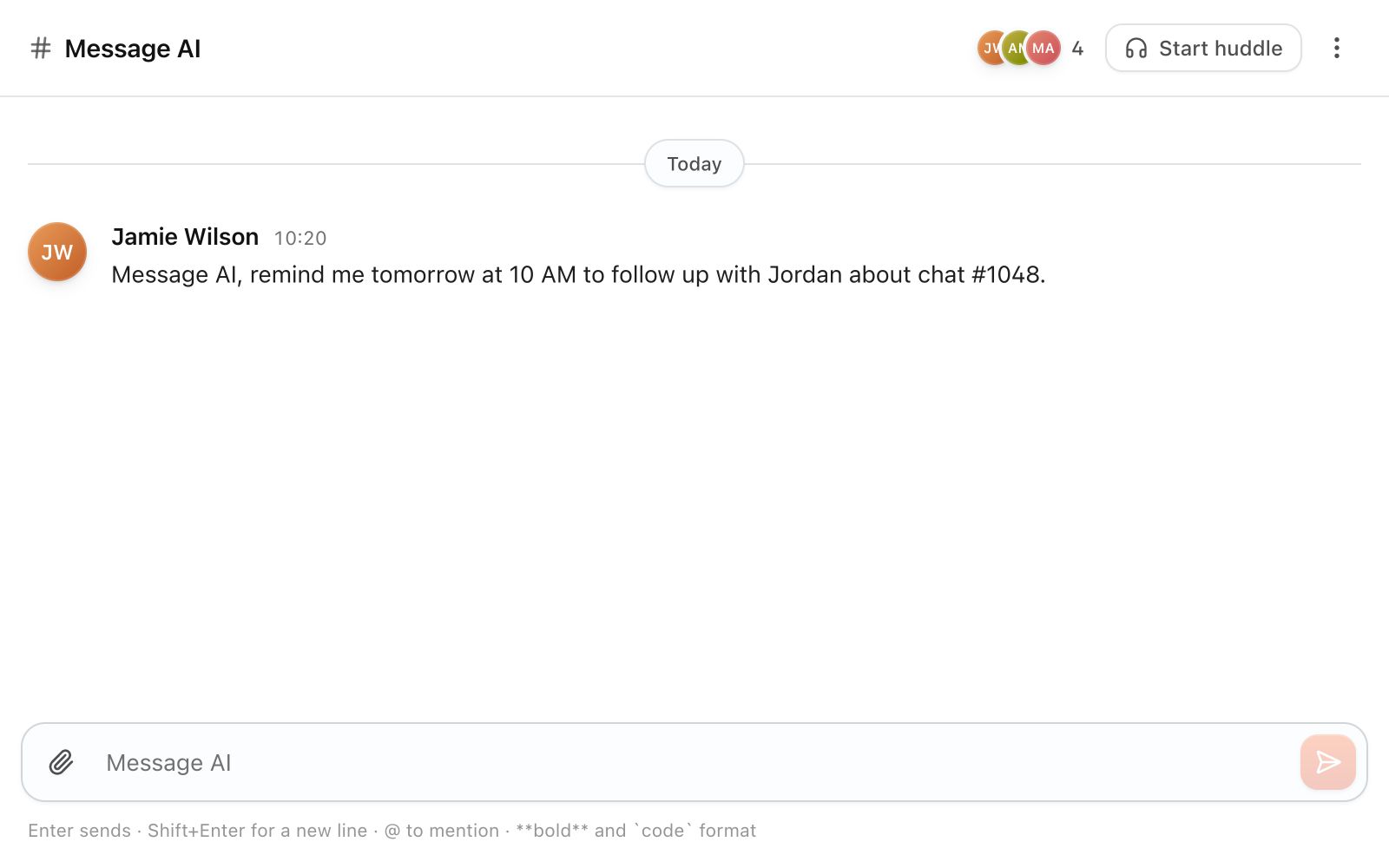
Actual Team interface · Illustrative conversation · Time compressed
Name the agent and write the task in plain language. State what it should answer, classify or summarize, and when it should ask for help.
Select the supported product and workspace context. Keep each agent’s task focused and give it access only to the sources needed for that task.
Test with real questions, inspect the results and update the instructions. Company guidance stays within that workspace.
 Shopify ↗
 WooCommerce ↗